
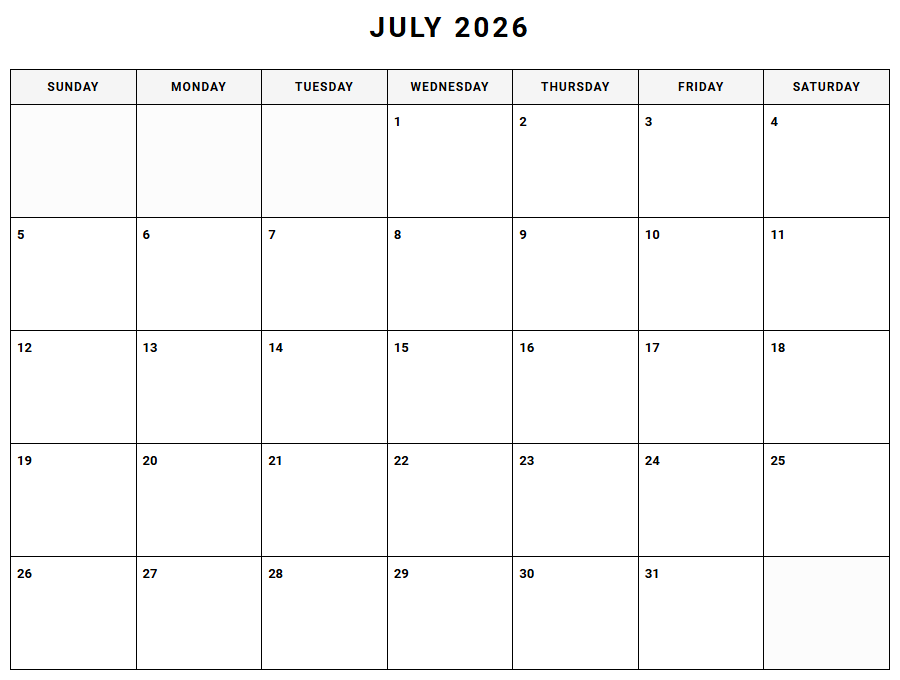
Managing shifting monthly schedules often leads to overwhelming digital clutter and missed deadlines. While standard digital tools or pre-bound planners offer basic tracking, our printable Monthly Planner Calendar grants you the unique flexibility to customize your workspace.
Under the stipulation that effective planning requires both macro and micro views-such as tracking fiscal milestones or academic project phases-this guide outlines how to leverage these yearly printable layouts for peak productivity.
Create Your Monthly Planner Calendar
Done customizing?
Monthly Planner Calendar - Good to Know
Undated monthly spread
An undated monthly spread offers unparalleled flexibility for individuals who desire a customizable planning experience without the constraints of pre-printed calendar dates. This layout allows you to initiate your organization journey at any point during the year, eliminating wasted pages and unnecessary guilt over skipped weeks. By manually filling in the dates, you gain complete control over your scheduling timeline, making it an ideal choice for project managers, seasonal workers, and students.
Using an undated format encourages a mindful approach to time management. When customizing your spread, consider integrating these essential elements:
- Flexible start dates that align with your specific project milestones or academic terms.
- Customizable sidebars dedicated to monthly objectives, habit tracking, and inspirational quotes.
- Adaptable grids that accommodate varying month lengths and leap years seamlessly.
This layout bridges the gap between structured productivity and creative freedom, ensuring your planning system adapts to your life, rather than forcing your life to fit into a rigid template.
Aesthetic digital planner
The rise of the aesthetic digital planner has transformed how design-conscious individuals organize their daily routines. Combining visual harmony with high-level functionality, these planners utilize cohesive color palettes, elegant typography, and minimalist layouts to create an inviting workspace on tablets and stylus-compatible devices. A beautiful planning interface reduces cognitive load and transforms routine scheduling from a tedious chore into an inspiring daily ritual.
Modern digital planners often incorporate elements inspired by cozy lifestyle trends, mid-century modern design, or clean Scandinavian minimalism. Users can personalize their digital pages with the following features:
- Cohesive digital sticker sets that match the planner's overall color story.
- Custom cover designs that reflect personal style and professional aspirations.
- Soft, eye-friendly backgrounds that prevent fatigue during late-night planning sessions.
By blending artistic design with digital convenience, these planners cater to a modern generation of professionals who refuse to sacrifice beauty for utility in their daily tools.
Habit tracker dashboard
A comprehensive habit tracker dashboard serves as a powerful visual motivator for personal growth and behavior modification. By consolidating your daily, weekly, and monthly routines into a single, structured interface, you gain immediate insight into your behavioral patterns and consistency. This data-driven approach to self-improvement relies on the psychological principle of chain-building, where visualizing your continuous progress deters you from breaking your streak.
To maximize the effectiveness of your habit dashboard, it is beneficial to categorize your routines into distinct pillars of wellness. Consider tracking habits across these essential categories:
- Physical health: Monitoring daily hydration, exercise duration, sleep quality, and nutritional goals.
- Professional development: Recording skill practice, reading time, and deep work sessions.
- Mental well-being: Logging mindfulness exercises, gratitude journaling, and screen-time limits.
Consistently updating this dashboard fosters accountability, turning abstract aspirations into concrete, measurable daily victories that build long-term momentum.
Desk calendar blotter
The traditional desk calendar blotter remains a cornerstone of office productivity, offering a wide-angle view of your monthly commitments. Positioned directly beneath your keyboard or laptop, this expansive physical planner provides an immediate reference point during phone calls, virtual meetings, and focused work blocks. The tactile nature of writing on premium paper helps reinforce memory retention, making it easier to recall critical deadlines and upcoming appointments.
A well-designed desk blotter does more than display dates; it anchors your physical workspace. High-quality blotters often feature durable corner guards, tear-off sheets, and dedicated margins for quick notes, doodles, and phone numbers. This constant visibility prevents important tasks from being buried beneath closed notebook covers or hidden behind minimized browser tabs, maintaining a clear path to your daily objectives.
For professionals seeking to reduce digital fatigue, this analog tool offers a refreshing, screen-free method to map out long-term projects and coordinate household schedules effortlessly.
GoodNotes planner template
Optimizing your digital workflow requires a high-performance GoodNotes planner template designed specifically for modern note-taking applications. These templates leverage the powerful features of the iPad and Apple Pencil, providing a natural writing experience that mimics paper while offering the limitless advantages of digital organization. Users can easily search their handwritten notes, duplicate pages infinitely, and backup their entire planning system to the cloud.
A premium template is engineered with lag-free navigation and precise grid alignments to ensure smooth performance. When selecting a template for GoodNotes, look for these advanced specifications:
- Optimized file sizes that prevent application slow-downs and battery drain.
- Pre-configured text boxes and shapes that align perfectly with the stylus grid.
- Importable elements, including custom widgets, color hex codes, and decorative stickers.
This integration of technology and traditional writing allows you to organize your life with precision, making paper clutter a relic of the past.
Time blocking calendar
A time blocking calendar is a highly structured time management method that encourages you to divide your day into distinct blocks of time. Each block is dedicated to completing a specific task, or group of tasks, rather than keeping an open-ended to-do list. By assigning concrete hours to your priorities, you eliminate decision paralysis and significantly reduce the urge to multitask, which often dilutes productivity.
Implementing this system requires a deliberate estimation of how long tasks actually take to complete. To establish an efficient time-blocked schedule, structure your day around these core concepts:
- Focus blocks: Uninterrupted intervals reserved for deep, complex analytical work.
- Buffer blocks: Scheduled transition periods to handle unexpected delays, emails, and administrative tasks.
- Rest blocks: Dedicated time for meals, movement, and mental recovery to prevent burnout.
This disciplined approach transforms your calendar from a passive list of appointments into an active blueprint for daily execution.
Notion monthly dashboard
The versatility of a Notion monthly dashboard lies in its ability to centralize disparate databases, project boards, and personal goals into one dynamic, interconnected workspace. Unlike static PDF planners, a Notion dashboard allows you to filter, sort, and visualize your data in multiple views, such as boards, timelines, or calendar grids. This adaptability makes it a favorite among remote teams, digital creators, and students managing complex workflows.
A highly functional monthly dashboard acts as a control center for your life. By leveraging Notion's relational databases, you can link your monthly objectives directly to your daily task lists. You can easily integrate properties such as progress bars, status tags, and priority levels. This level of customization ensures that every entry on your monthly calendar updates your overall project trackers, creating a cohesive ecosystem that reflects your real-time progress and keeps your long-term goals in clear focus.
Academic year planner
Tailored specifically for the unique rhythm of scholastic life, an academic year planner typically spans from August or September through the following summer. This mid-year start matches school semesters and university terms, allowing students, educators, and administrators to track their progress without switching planners mid-academic cycle. It serves as a centralized hub for managing class schedules, assignment deadlines, exam dates, and extracurricular commitments.
Success in academia requires balancing multiple shifting deadlines. An effective academic planner should contain specialized layouts tailored to the student journey, including:
- Semester overview pages for tracking course details, GPA goals, and professor office hours.
- Weekly project breakdown sections that help divide large research papers into manageable steps.
- Dedicated exam prep trackers to schedule study intervals and review sessions.
By keeping all academic variables organized in one dedicated space, users can reduce stress and maintain consistent performance throughout the school year.
Bullet journal monthly log
The bullet journal monthly log is a core component of the original analog mindfulness system created by Ryder Carroll. It consists of a minimalist calendar layout and a corresponding task list, designed to give you a bird's-eye view of your month with minimal setup time. By utilizing a simple vertical list of dates, you can quickly jot down scheduled events and significant memories without the visual clutter of traditional calendar boxes.
This layout excels in its simplicity, leaving ample room for reflection and intentional planning. The monthly log serves as a repository for migrating tasks from the previous month and capturing new responsibilities as they arise. Because it is hand-drawn, you can adjust the space allocated for goals and tasks based on your current workload, making the system incredibly adaptive to the changing seasons of your professional and personal life.
Hyperlinked digital calendar
A hyperlinked digital calendar represents the pinnacle of user-friendly navigation in modern electronic planning. These interactive PDF files feature thousands of invisible, clickable tabs and buttons that allow you to jump instantly between yearly, monthly, weekly, and daily views. This seamless transition mimics the physical action of flipping through planner pages, but executes it in a fraction of a second, saving valuable time and keeping you in a productive flow state.
The engineering behind these planners requires precise linking structures to ensure every date, index card, and custom template connects accurately. Users benefit from immediate access to specialized sections, such as:
- Direct links from daily schedules to weekly reviews and monthly reflections.
- Quick-access tabs for project planners, budget trackers, and blank note pages.
- Navigation bars that remain visible on every page for consistent usability.
This intuitive design maximizes organization efficiency, providing a sophisticated tool for busy professionals managing complex schedules.
Leave a comment